Streaming, queues, and background jobs: choosing the right runtime for AI workflows
A practical guide to choosing streaming, queues, or background jobs for AI workflows without turning every user request into a production incident.

At 9:17 on a Tuesday morning, Marcus watched a customer-support answer sit on a loading spinner while the rest of the page looked perfectly healthy. The model was not broken. The workflow was. In AI workflow architecture, the runtime matters as much as the model: stream when the user needs progress now, queue work when it can wait, and use background jobs when the task needs durable execution.
I have made this mistake myself. A workflow that looked fine in a local demo became a long-running assembly line with retries, partial results, and one unhappy person refreshing the browser every ten seconds. That is the part nobody puts in the demo.
The good news is that you do not need a complicated platform to make a sound choice. You need to understand what the user is waiting for, what can fail, and whether the work must finish after the request disappears.
Start with the user's clock
The first question is not, "Which queue should I use?" It is, "How long is the user willing to wait without feedback?"
That question gives you a useful divide:
- A real-time AI application needs to show progress while work is happening.
- An AI task queue is useful when work can begin soon but does not need to return through the same web request.
- An LLM background job is right when the task may take minutes, needs retries, or should continue after the user closes the browser.
- A scheduled workflow belongs outside the request path entirely.
Streaming sits closest to the user. A chat response, live transcription, coding assistant, or voice interaction usually benefits from tokens or events arriving as they are produced. Server-sent events, often called SSE, work well for one-way updates from a server to a browser. WebSockets make more sense when both sides need to send messages continuously, as with a voice assistant or a collaborative editing tool.
But streaming does not make the underlying work reliable. It only makes waiting feel visible. If the connection drops after 400 tokens, you still need to know whether the model finished, whether the output was saved, and whether the client can reconnect without duplicating the answer.
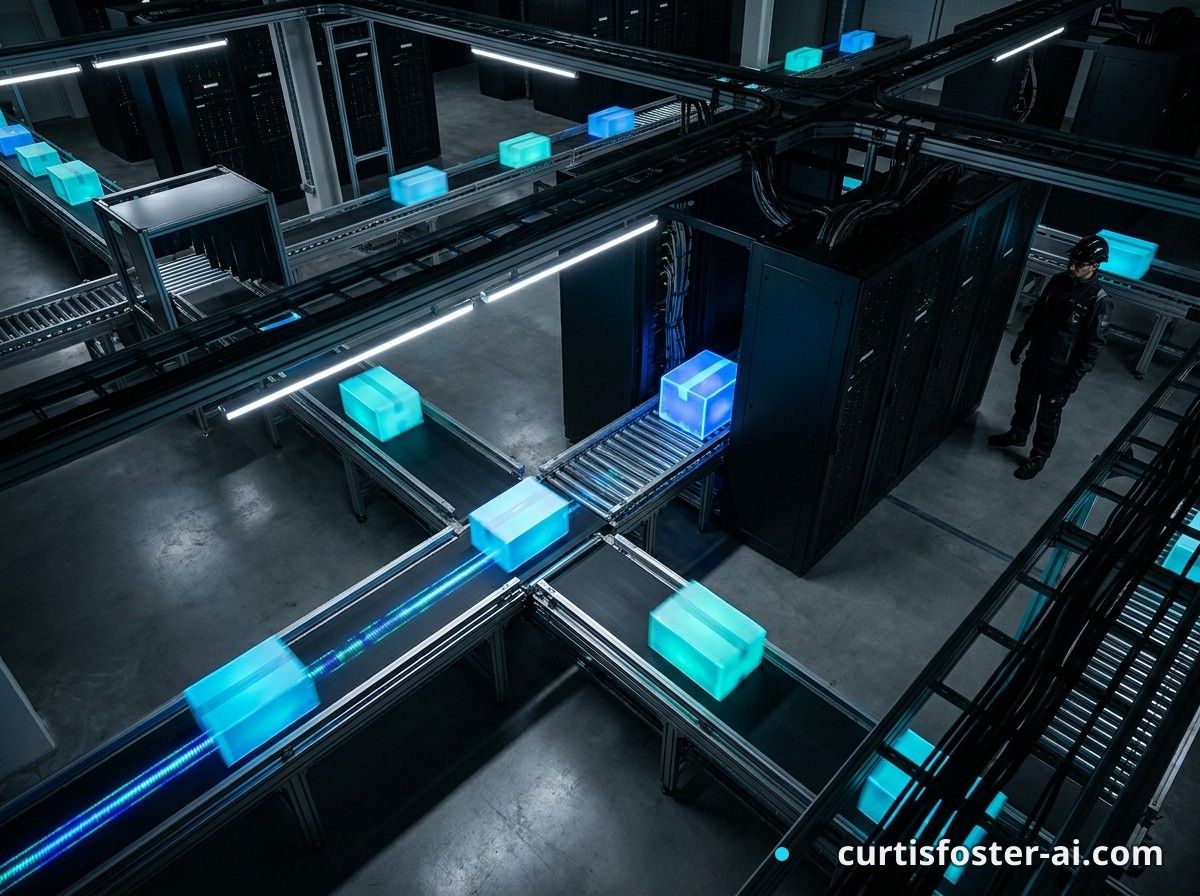
That distinction matters. Streaming is a delivery pattern, not a durability guarantee. I think of this as the front section of an assembly line: the customer can watch the package move, but that does not mean the package cannot fall off the belt farther down the line.
When I build a real-time AI application, I ask:
- Can the user act on partial output?
- Does the answer need to arrive within a few seconds?
- Can the client reconnect and recover the current state?
- Is the output useful if the model stops halfway through?
If the answer to those questions is mostly yes, stream the work. Store enough state to recover it. Do not confuse a moving progress bar with a completed workflow.
What should stream in a real-time AI application?
Stream work when the user is actively watching and partial results have value. Chat completions, live captions, document summaries, and interactive planning often fit this pattern.
Whisper, for instance, can transcribe audio in chunks while a browser displays the latest transcript through SSE or WebSockets. The transcript is useful before the entire meeting is processed. A user can correct a name or pause the recording without waiting for a final batch operation. That alone has saved me from some painful post-meeting cleanup sessions.
But image generation, video rendering with Remotion, and multi-step research often need more than a stream. You can stream status updates, but the actual work belongs in a queue or background worker. Sending a "render started" event does not mean your render server should live inside the web request.
Queues protect the request path
Here is the part most people miss. The conventional advice says to put AI work on a queue, and that advice is directionally right but often incomplete. A queue is not a magic reliability layer. It is a waiting room with rules.
An AI task queue separates the request that accepts work from the worker that performs it. The web server validates an input, creates a task record, and returns a task ID. A worker then handles the model call, tool use, file processing, or downstream API request.
This separation protects your request path from slow and unpredictable work. A model call can take 800 milliseconds today and 18 seconds tomorrow. A third-party API can rate-limit you. A PDF can contain 700 pages when the upload form said "document." Your web server should not have to carry all of that through one open request.
Common choices include:
- Redis with BullMQ for straightforward job processing in a Node.js stack.
- Amazon SQS when you want managed delivery and can accept a simpler queue model.
- Kafka when you need durable event streams, replay, and several independent consumers.
- Postgres with a job table when the workload is modest and keeping the system small matters more than maximum throughput.
The tool should follow the failure mode. Do not choose Kafka because the architecture diagram looks impressive. Do not choose Postgres because adding one table feels easier if you already have thousands of long-running jobs competing with customer data.
Give each task an explicit state. A basic state model might include:
- queued
- running
- waiting for a rate limit or tool result
- completed
- failed and eligible for retry
- permanently failed
Store the task input, attempt count, model name, prompt or template version, timestamps, and output location. That record is not administrative clutter. It is how you explain what happened when a customer says, "My report never arrived."
And make retries safe. If a job creates a charge, sends an email, or publishes content, a retry can repeat the side effect. Use an idempotency token, a stable identifier that tells the receiving system, "This is the same operation," not a new one.
Background jobs need a longer memory
An LLM background job is more than a queue message. It is a piece of work with a life cycle that can outlast the original request, the browser tab, or the employee who started it.
That makes background execution a better fit for workflows such as:
- Processing a large collection of support tickets overnight.
- Extracting structured data from uploaded contracts.
- Generating several video variations with Remotion and storing them for review.
- Running a research workflow that calls multiple models and external tools.
- Reprocessing older records after an extraction prompt changes.
The request should create the work, not perform all of it. Return a task ID and give the user a status page, webhook, email, or notification path. If the work is important, let the user leave and come back without losing the result.
This is where a durable workflow engine like Temporal can help. Temporal stores workflow state and can resume activities after worker failures, while ordinary queue systems usually leave more of the state management to you. You do not need Temporal for every app. You may need that level of coordination when one workflow has many dependent steps, long waits, human approvals, or compensation actions.
The assembly line metaphor earns its keep here. A queue moves a package to the next station. A durable workflow records which stations have finished, which one is blocked, and what should happen if a station fails three times.
That difference is easy to miss during a prototype. It becomes obvious when a research agent has already spent money on four model calls, then crashes before saving its citations.
The mistake I keep watching teams make is treating every model call as the same kind of work. A one-shot classification and a 20-step document workflow may both use an LLM, but they do not belong in the same runtime.
Build the runtime around failure
Once you frame it this way, runtime selection becomes less about preference and more about blast radius. Ask what happens when the network drops, the model times out, the provider returns a 429, or a worker disappears halfway through a tool call.
For each workflow, write down:
- The maximum acceptable wait for the user.
- The expected duration of one attempt.
- Whether partial output has value.
- Whether the work can be safely repeated.
- The data that must survive a process restart.
- The recovery path when every retry fails.
Then match the runtime to the answers:
- Use direct request-response for short, bounded operations like classification or a small rewrite.
- Use streaming for interactive output where partial progress helps the user.
- Use a queue for work that should start soon but should not block the request.
- Use durable background workflows for multi-step tasks with state, waits, approvals, or expensive retries.
Instrument the transitions. Record when a task entered the queue, when a worker claimed it, how long each model call took, how many retries occurred, and where the workflow ended. Track queue depth and oldest waiting task. A queue with 10,000 pending items is not healthy because the API still returns 200 responses.
Set limits before production. Give each workflow a maximum attempt count, an overall deadline, and a dead-letter path for jobs that need human inspection. A dead-letter queue is simply a place for work that failed too many times, so it stops consuming worker capacity while someone investigates.
Also separate user-facing progress from internal detail. "Generating your report" is useful. "Attempt 4 failed with provider timeout after 22.4 seconds" belongs in logs, support tools, and operational dashboards.
This is where a small amount of empathy improves the system. The person waiting does not care whether your Redis connection pool is healthy, they care whether they can trust the result, retry without starting over, and understand what happens next.
So the practical build order is simple:
- Model the workflow states before choosing infrastructure.
- Make the task record durable before adding more workers.
- Add idempotency before enabling automatic retries.
- Add visibility into queue age, latency, cost, and failure reason.
- Test a worker crash and a dropped client connection on purpose.
Do this with ten jobs, not ten thousand. A local Postgres table and one worker can teach you more about the workflow than a week spent debating platforms. Once the state model holds, scaling the transport becomes a much safer decision.
A runtime decision you can defend
If you are still unsure, start with the smallest runtime that matches the failure you already understand.
Use streaming for immediate interaction. Use a queue when the request should hand work to another process. Use a background workflow when the task has a long life and must recover across failures. Use a durable workflow engine when the steps, waits, and side effects have become too hard to track with scattered callbacks.
You do not need to apologize for choosing the simple option. A Postgres-backed job table can be the right answer. So can SQS, BullMQ, Kafka, or Temporal. The good choice is the one that makes task state visible and recovery boring.
How do I choose between streaming and a background job for an AI workflow?
Stream when the user benefits from seeing partial progress during an active session. Use a background job when the task may outlive the browser request, needs several steps, or can finish without the user watching it.
You can combine them: stream status from a background job while the worker continues independently. The stream is then a window into the job, not the job itself.
Are AI task queues necessary for every LLM application?
No. A short, bounded model call can run directly inside a request if its timeout, cost, and failure behavior are controlled. Add a queue when the work is slow, bursty, retry-prone, expensive, or independent from the immediate response.
Starting with a queue too early can add state and operational work. Starting without one for a long-running workflow usually creates a harder migration later.
What should an LLM background job store?
Store a durable task ID, input reference, status, attempt count, timestamps, model and prompt version, output reference, and failure reason. Store large files in object storage rather than inside the queue message.
That information lets you retry safely, audit a result, compare model versions, and answer a support question without guessing.
When should I use Temporal instead of Redis or SQS?
Use a durable workflow engine like Temporal when the process includes many dependent activities, long waits, approvals, compensation steps, or recovery requirements that are becoming difficult to manage in application code. Redis or SQS is often enough for independent jobs with simple retry rules.
The dividing line is not company size. It is workflow complexity and the cost of losing state.
If your workflow feels fragile, that is not a personal failure. You are seeing the real product now, past the clean demo. Draw the states, choose the runtime that matches the user's clock, and test the failure you are currently hoping will not happen.
The model is only one station on the line. The runtime determines whether the whole system gets the package to the right place.
Join the conversation
Subscribe to comment
Join Curtis Foster's newsletter to leave a comment and get new posts in your inbox.